Description
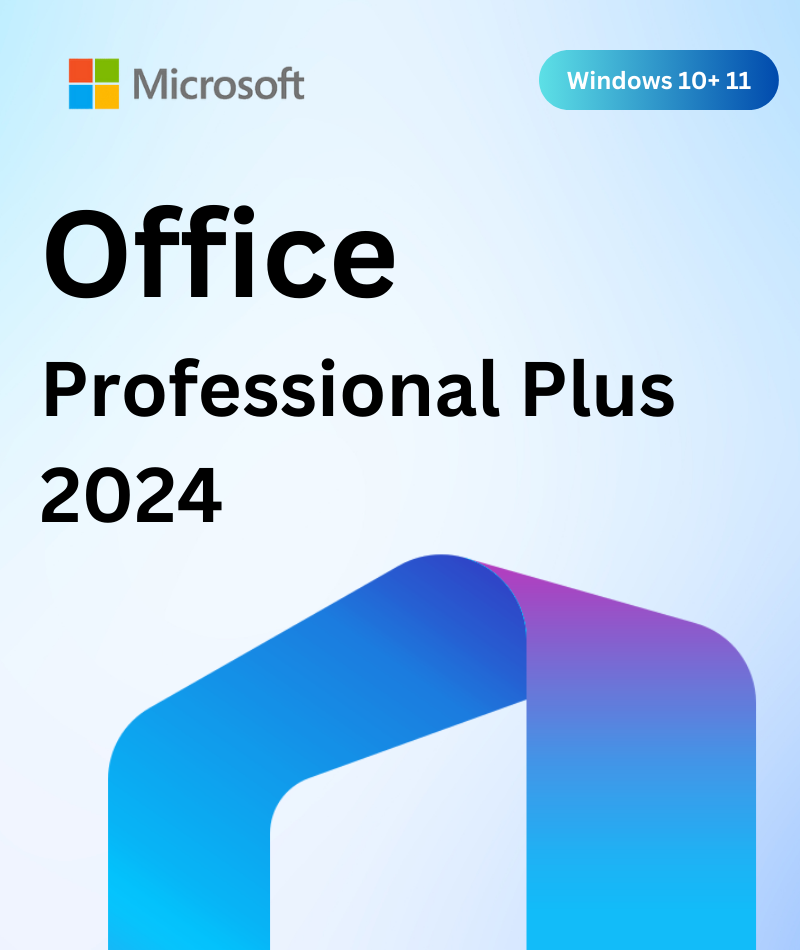
Microsoft Office Professional Plus 2024 – 3 PC is a budget-friendly way to license the full Windows Office suite on three computers: Word, Excel, PowerPoint, Outlook, OneNote and Access, with a one-time payment and no subscription. It's a good fit for small offices, schools and IT technicians setting up several machines at once.
Why Choose a 3-PC Office Licence?
A multi-PC licence keeps every machine on the same Office version, so files, templates, macros and Access databases behave identically across the team. It also means one order, one invoice and one set of instructions instead of three separate purchases.
Apps Installed on All Three PCs
- Word 2024 — documents, reports and letters, with improved session recovery and the new Office theme.
- Excel 2024 — new text and array functions such as TEXTSPLIT, VSTACK, HSTACK, TAKE and DROP, the IMAGE function, and charts that update with dynamic arrays.
- PowerPoint 2024 — Cameo to place your live camera feed on a slide, plus a built-in recording studio for presentations and video export.
- Outlook 2024 — email, calendar and contacts with faster search.
- OneNote — digital notebook for notes and research.
- Access 2024 — desktop databases, queries, forms and reports. Only Professional Plus includes Access.
Publisher is not part of Office 2024 (Microsoft is retiring it in October 2026). Microsoft Teams is a separate free download.
Deployment Tips for Small Offices
- Standardise on 64-bit unless a line-of-business add-in needs 32-bit. Mixing both causes add-in and Access compatibility problems.
- Remove old Office versions first. Leftover Office 2016 or 2019 installs are the most common cause of activation errors.
- Keep a licence record of which key went on which PC, using the invoice in your order email.
- Pair it with Windows 11 Pro for BitLocker and central management. Our Windows 11 Pro 3-PC pack covers the same three machines.
License and Activation Details
- Licence: one-time purchase for 3 Windows PCs.
- Activation: online.
- Platform: Windows only.
Office 2024 Professional Plus receives security updates until October 9, 2029, according to Microsoft's lifecycle page. The software keeps working after that date, but without security fixes.
Office 2024 System Requirements (Windows)
| Component | Minimum |
|---|---|
| Operating system | Windows 11 or Windows 10 |
| Processor | 1.1 GHz or faster, 2-core |
| RAM | 4 GB |
| Storage | 4 GB available disk space |
| Display | 1280 × 768 (64-bit Office required for 4K and higher) |
| Graphics | Direct3D 9.1 or higher with WDDM 1.3 driver for hardware acceleration |
Office 2024 is available in 32-bit and 64-bit. Choose 64-bit unless you rely on older 32-bit add-ins. Microsoft ended Windows 10 support in October 2025, so a Windows 11 PC is recommended.
How to Install Office 2024 on Each PC
- On each PC, uninstall any older Office version first (Settings → Apps).
- Download the installer from the link in your order email. You can reuse the same installer on every PC.
- Run setup, open Word and go to File → Account → Change Product Key.
- Enter the key for that PC. Your order email explains how the keys map to your three devices.
- Repeat on the remaining PCs. Each PC needs an internet connection to activate.
Which Office 2024 Option Is Right for You?
| Product | Devices | Platform | Includes Access |
|---|---|---|---|
| Office 2024 Professional Plus | 1 PC | Windows | Yes |
| Office Professional Plus 2024 (Digital Key) | 1 PC | Windows | Yes |
| Office Professional Plus 2024 – 3 PC | 3 PCs | Windows | Yes |
| Office 2024 Professional Plus – 3 Device | 3 PCs | Windows | Yes |
| Office 2024 Home & Business | 1 PC or Mac | Windows or macOS | No |
Why Buy From MicrosoftSoftwareSwap?
- 30-day money-back guarantee — if the key does not work for you, request a refund within 30 days.
- Lifetime replacement warranty — if an activated key ever stops working, we replace it free of charge.
- Instant email delivery — key, download link and step-by-step instructions, usually within minutes.
- Free 24/7 support by email and Discord for installation and activation.
Office Professional Plus 2024 – 3 PC FAQ
Is this the same software as the single-PC version?
Yes. The apps and features are identical. Only the number of PCs covered is different.
Can I use it for my business?
Yes. Many small businesses use Professional Plus because it includes Access and Outlook. Every order includes an invoice for your records.
What if I need more than three PCs?
Combine it with our single-PC Office 2024 Professional Plus, or contact us for a quote on larger quantities.
Does it include Publisher?
No. Office 2024 no longer includes Publisher. Office 2021 Professional Plus still does.
How long will Office 2024 be supported?
Office 2024 Professional Plus receives security updates until October 9, 2029.
Get Office Professional Plus 2024 for 3 PCs now and have your whole setup licensed in one order.
Additional Information
Shipping & Return
Reviews
My Wishlist
Wishlist is empty.
Compare
Shopping cart
