
Zoom
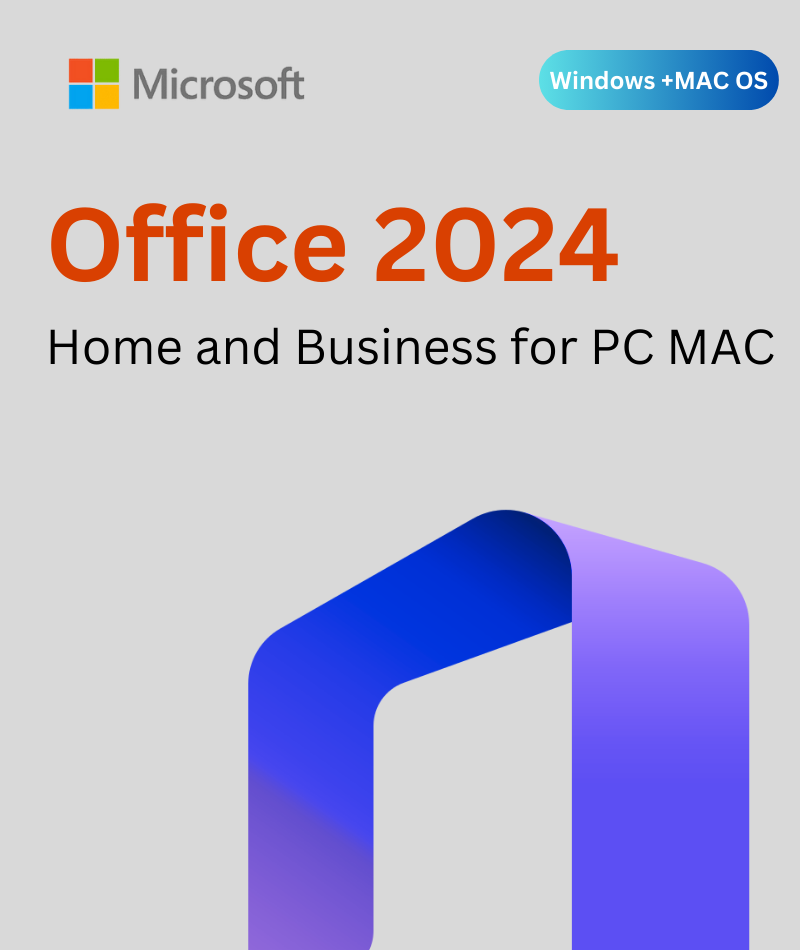
Microsoft Office 2024 Home & Business delivers professional-grade productivity for both Windows PCs and Apple Mac computers, with a genuine one-time purchase, an Office 2024 BIND key, and no subscription fees. Built for freelancers, home-based businesses and individual professionals, this perpetual license gives you permanent access to Word, Excel, PowerPoint, Outlook, and OneNote — paid once, owned forever. Your key is delivered instantly to your inbox and backed by our 30-day money-back guarantee and lifetime replacement warranty.
Every copy includes the following classic desktop applications, updated with Microsoft's 2024 feature set and the Fluent Design interface for a cleaner, more modern experience:
Create, edit, and format professional documents with improved accessibility tools, session recovery and real-time co-authoring.
Analyze and visualize data with new calculation functions, expanded dynamic array support, upgraded XLOOKUP, improved Power Query integration, and XLL add-in security hardening. Adds new functions such as TEXTSPLIT, VSTACK and IMAGE.
Design compelling presentations with new slide transitions, built-in presentation recording with voice narration and live camera, enhanced Designer suggestions, and expanded 3D model support — ideal for remote teams and educators.
Manage email, calendar, and contacts with a streamlined Fluent interface, smarter Focused Inbox, improved search, and enhanced accessibility checker for professional communication.
Your digital notebook for capturing meeting notes, ideas, and project plans. Also available as a free download from the Mac App Store for macOS users.
Note: Microsoft Access is NOT included in Home & Business. It is only available in Office 2024 Professional Plus on Windows. Microsoft Teams is a separate free download for both platforms.
This listing covers both the Windows PC and macOS versions of Office 2024 Home and Business. Please specify your platform at checkout so we can send you the correct key and activation instructions.
| Application | Windows PC | macOS Mac |
|---|---|---|
| Microsoft Word 2024 | Included | Included |
| Microsoft Excel 2024 | Included | Included |
| Microsoft PowerPoint 2024 | Included | Included |
| Microsoft Outlook 2024 | Included | Included |
| Microsoft OneNote 2024 | Included | Included (via App Store) |
| Microsoft Access 2024 | NOT included (Pro Plus only) | NOT available on Mac |
| Microsoft Teams | Free separate download | Free separate download |
Microsoft Office 2024 Home & Business uses a BIND key, also called an account-linked or associative key. This is the same license type sold on Microsoft's own storefront. Unlike a standard hardware-tied retail key, a BIND key links your Office license permanently to your Microsoft account, giving you three important long-term advantages:
Your BIND key activates directly on Microsoft's own servers — no third-party activation intermediary is involved.
| License Specification | Details |
|---|---|
| License Type | BIND Key: One-Time Purchase (Perpetual) |
| Devices Covered | 1 PC or 1 Mac, specify platform at purchase |
| Delivery Method | Instant email: BIND key + activation guide + invoice |
| Activation | Via Microsoft account at account.microsoft.com |
| Subscription Required? | No — pay once, own forever |
| Windows Compatibility | Windows 10 (64-bit), Windows 11 |
| Mac Compatibility | macOS - current and two prior major versions (Intel & Apple Silicon) |
| Languages | English, Spanish, Italian, German, French and more |
| Support Included | Free 24/7 installation & activation support |
| Warranty | 30-day money-back guarantee + lifetime replacement warranty |
Ensure your device meets the minimum specifications before purchase. Full details are available on Microsoft's official Office system requirements page.
| Requirement | Minimum Specification |
|---|---|
| Operating System | Windows 11 or Windows 10 |
| Processor | 1.1 GHz or faster, 2-core |
| RAM | 4 GB |
| Storage | 4 GB available disk space |
| Display | 1280 x 768 screen resolution |
| Internet | Required for activation; works fully offline after activation |
| Graphics | Direct3D 9.1 or higher with WDDM 1.3 driver |
| Requirement | Minimum Specification |
|---|---|
| Operating System | macOS (three most recent major versions supported) |
| Processor | Intel or Apple Silicon |
| RAM | 4 GB minimum |
| Storage | 10 GB available disk space |
| Display | 1280 x 800 resolution |
| Internet | Required for activation; works fully offline after activation |
Mac activations occasionally require additional steps. Our 24/7 support team is available by email and Discord at no extra charge to guide you through every step.


Want every screen explained? Follow our step-by-step Office 2024 Home & Business download, install and activation guide, with a screenshot for each step and fixes for common activation errors.
Genuine BIND Keys — Every key activates on Microsoft's own servers.
Works on Both Platforms — Windows PC and Apple Mac are both supported from this single listing — just specify your platform at checkout.
Instant Email Delivery — Your BIND key, download link, and invoice arrive within minutes of payment confirmation.
30-Day Money-Back Guarantee and Lifetime Replacement Warranty — If your key fails to activate, we refund you within 30 days; if an activated key ever stops working, we replace it free.
Free 24/7 Technical Support — Available around the clock by email and Discord, including Mac-specific activation guidance.
Secure Checkout — Your payment data is protected by industry-standard encryption with multiple trusted payment methods.
No. The licence covers one device: either one Windows PC or one Mac. Tell us your platform at checkout.
Both include Word, Excel, PowerPoint, Outlook and OneNote. Office 2024 Professional Plus adds Access but runs on Windows only. Home & Business also works on Mac and uses an account-linked BIND key.
Yes. Home & Business is licensed for commercial use, unlike Office Home 2024.
Your licence is linked to your Microsoft account. Sign in at account.microsoft.com, download Office again and sign in to reactivate.
Office 2024 for consumers is supported under Microsoft's Modern Lifecycle Policy. See the Office 2024 FAQ from Microsoft for current details.
Get your Office 2024 Home & Business key today and start working on your PC or Mac in minutes.
Wishlist is empty.

